KAP686 Cologne | Skate Plaza
For the past 3 months I’ve been working on recreating the KAP686 Cologne skate plaza in Unreal Engine 4.27 as a mod map for Session Skate Sim. I first started back in September 2020 but stopped after a week because the project felt too large. In December 2022 I picked the project back up and after 2 months of working on it I released the first version of the map. My goal with this project was to create an environment for my portfolio and to get more familiar with the Unreal Engine. While the beginning of learning UE was slow and confusing, it got more and more fun as time went on.
In these 2-3 months I learned a lot about UE and that’s mostly because of the super welcoming Illusory modding community who were very helpful whenever I had questions. Big thanks especially to JammieDodger for creating the super useful Session modding wiki.
The positive feedback during the development and after the release of the map has been really motivating and while I don’t plan on starting another map right away I will do so some time in the future. I can't express enough how fun and rewarding the whole project was.
The biggest challenges of creating this map were figuring out the plaza’s exact dimensions and placement of obstacles, getting the ground’s pattern to display efficiently, troubleshooting and solving the problem of having lights illuminate objects during night time correctly (the game likes to cull distant lights) and not getting lost in insignificant details.
While I tried to make the plaza’s surroundings recognizable, most of the distant objects are greatly simplified - the game’s wide angle camera makes them look tiny and adding more detail would have just been a waste of time.
Since the initial release of this map (which was on 24.02.2023) I have spent 2 weeks fixing and adjusting things. The 2nd version of this map was released on 08.03.2023.
A lot of love and labor went into making this map. Thanks again to everyone who helped me by answering my questions - playtesting the map - helping me improve the map for version 2 - those in discord who encuraged me by reacting to my WIP images with fire emojis 🔥 - everyone who made videos, sent me their clips or simply just downloaded and played the map :)
The map is downloadable in the Illusory modding discord.
#####
3RD PARTY ASSETS:
Map features from Session Skate Sim:
The game's global realtime lighting settings (including the sky, clouds, fog etc.) and post processing settings (to get the game's day/night cycle to work I had to use the game's sky/lighting system, this also means there is no baked lighting in this level). I didn't create the playable character model and I also assigned the game's PMATs to my materials.
I did not create any of the vegetation assets:
The hedges next to the volleyball courts were created by Hugues Muller aka Yughues.
The rest of the vegetation is from NatureManufacture's 'Forest - Environment Set'
The majority of the graffiti/tag textures were created by Suco / SucoVidya.
I have used decals and textures from Quixel Megascans.
All other assets on this map were created by me.
#####
ADDITIONAL INFO (because it didn't fit into the image captions):
GROUND PATTERN:
One of the more challenging tasks of creating this map was getting the pattern on the ground to display efficiently. I ended up using 2 UV sets for the ground mesh, one that displays the actual pattern and one that tiles the main texture across it. For this to work the scale of both UV maps had to be very precise or else the pattern and the tiled texture wouldn't have lined up across the entire surface.
Making the mask for the pattern was pretty straight-forward after creating an accurate layout of the plaza. Because the plaza is 109 tiles long and every tile can be represented by a 2x1px rectangle that makes the mask only 218x218px in size.
I also created a set of textures for the ground tiles that consisted of a normal map, a mixmap (AO, Roughness, Specular) and 2x differently colored albedo maps. The two albedo maps were mixed using the mask, creating the pattern.
Looking back it seems pretty obvious that this was the best way to texture this ground but before starting this map I hadn't even thought about creating multiple UV maps for different textures and layering them on top of another in one material - definitely learned a lot from just solving this one problem alone.
#####
Woah there - you read the whole breakdown? Thank you!

Preview clip I recorded with the in-game clip editor (realtime playback).
On my 5 year old mid-range PC the map runs at a very consistent 100-110 fps and during night time the fps only drop by about 5 fps.

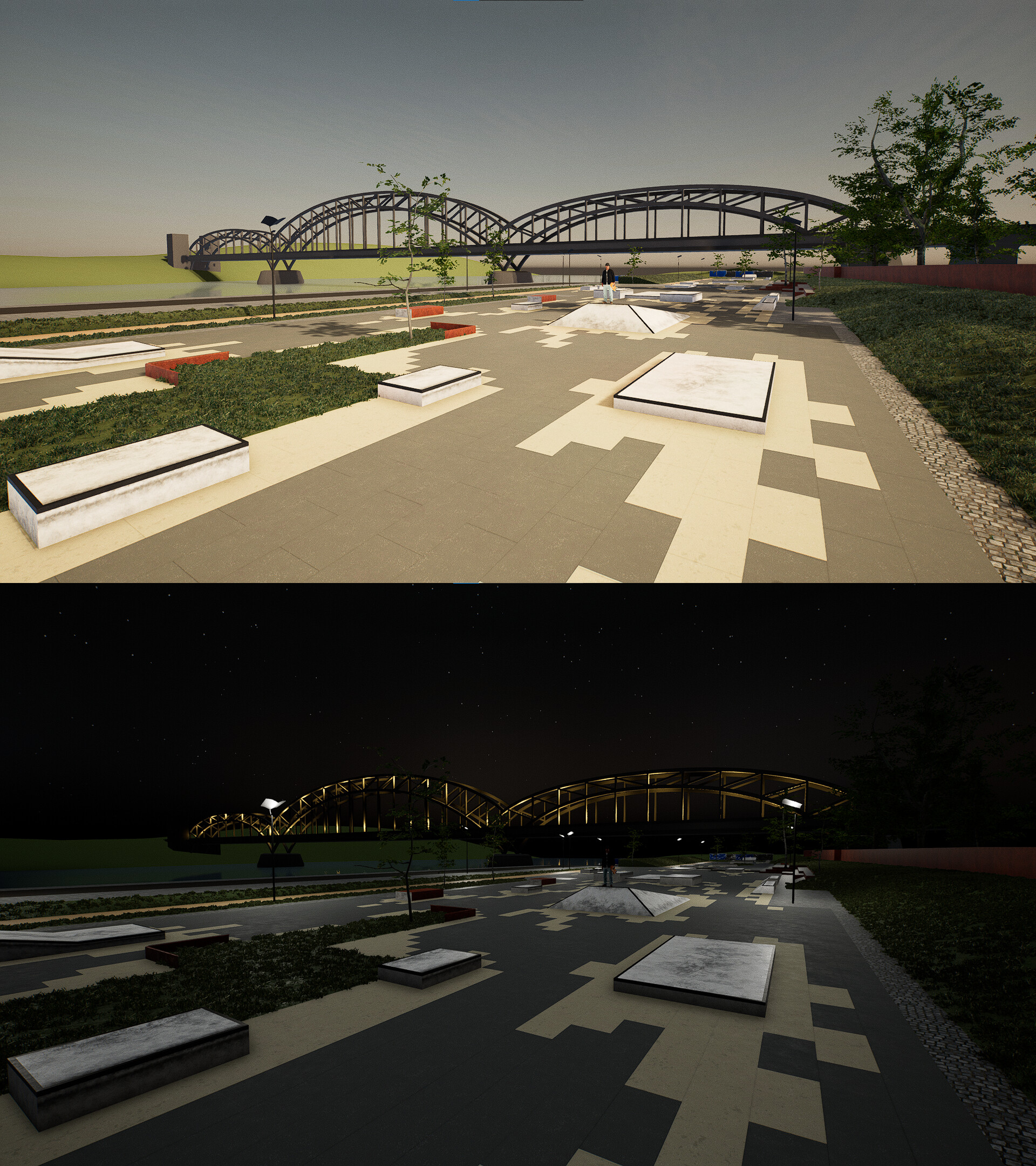
In-game Screenshot |South View | Day

IRL reference image | Looking South

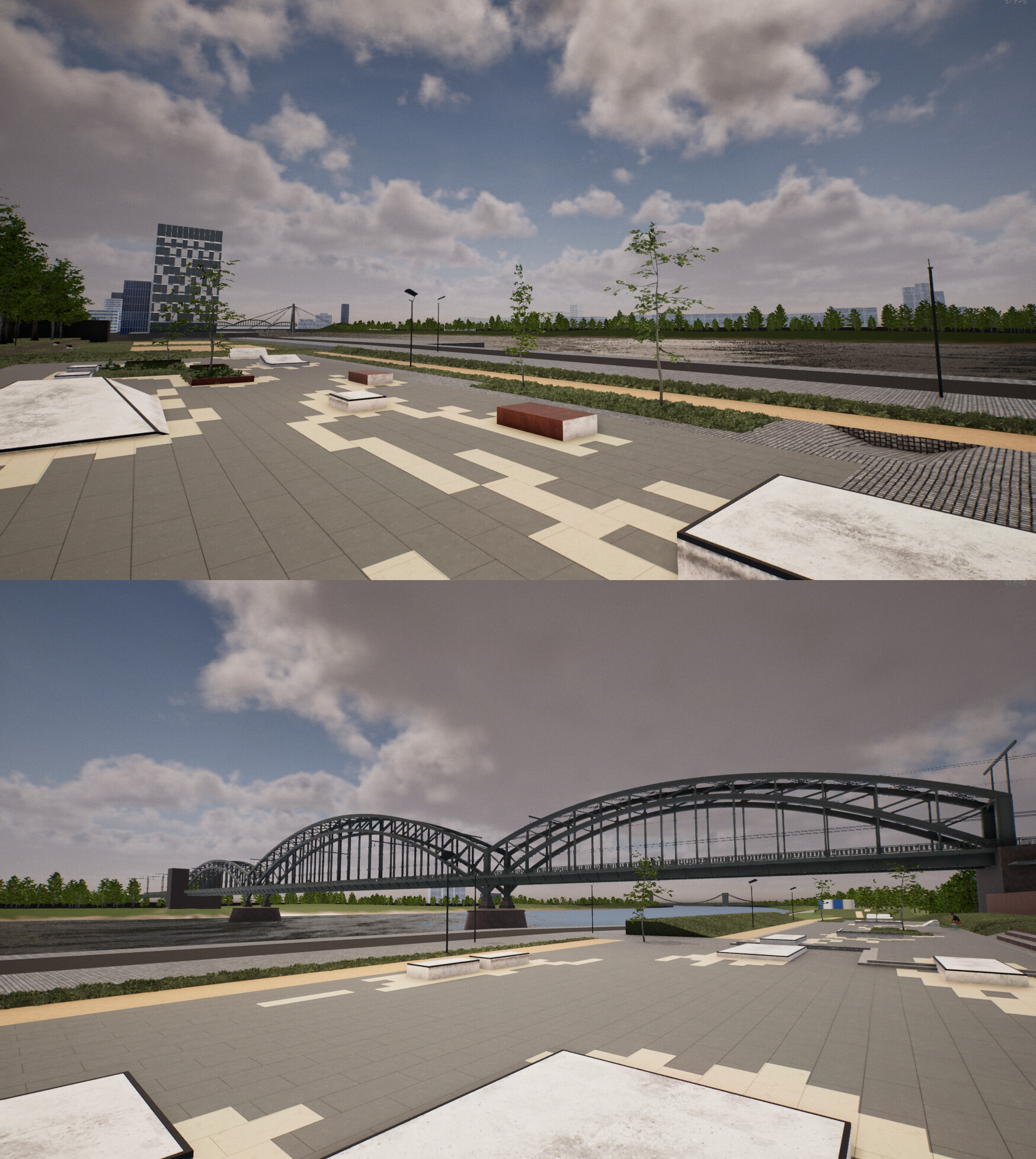
In-game Screenshot | North View | Day

IRL reference image | Looking north

In-game Screenshot | South View | Night

In-game Screenshot | North View | Night

IRL reference image | Overview
360 view | Middle of the plaza
360 view | Northern part of the plaza
360 view | Southern part of the plaza

Overview | UE Editor | I focused on just adding detail you can actually see from the play area.

Skate plaza top view | UE Editor

Whole level | UE Editor | I had to move cologne's cathedral closer to the plaza because the game kept culling the lights at it's original position. After scaling down the asset the move wasn't even noticeable.

Various assets I created for this project. Since the majority of them are outside of the play area and cannot be seen up close I decided to keep most of them pretty simple to save time.

Tri-counts:
Bridge: 21318 | Office Building: 3062 | Crane big: 5770 | Crane small: 1309 | Catwalk: 3208 | Volleyball net: 564 | Mooring pillar: 1004 | Street light big: 104 | Street light small: 236

Tram overhead T: 1030 | Tram overhead one sided: 642 | Snack bar: 3440 | Fence big: 1501 | Fence banner: 1612 | Table: 348 | Parasol: 834 | Trashcan: 178

For better collisions I used UCX collision meshes for the Obstacles.

Getting the ground's pattern to display correctly (explanation in the artwork's description).

Material for the ground mesh. I added the AO to both the AO and Base Color channel to hide the sharp edges of the mask a bit better. AO was also too weak on its own.

This is the 218x218px and <1kb mask I used to display the ground's pattern (scaled up for Artstation). To get sharp edges I changed the filtering mode to nearest neighbor. I created this mask in Aseprite for super quick adjustments.

The bridge was the most complex asset I created for this map. The textures I baked for it were either baked in full or partly baked and then tiled across the mesh. I mixed the baked normal, AO and alpha mask with a set of painted metal textures.
WIP | 30.12.2022 | About one week after resuming work on the map. The obstacles were improved but still used complex collision and many of the textures were swapped out. You can also see the placeholder version of the bridge.
WIP | 11.01.2023 | The obstacles now have UCX collision and I swapped out the bridge placeholder for the first actual version of the bridge. I also added some of the surroundings.

WIP | 23.01.2023 | One month after picking the project back up (halfway point of initial release). From this point onwards I started polishing and optimizing.

Day of picking the project back up vs 1 week before release.
3D viewer of the bridge asset

Unlit + Wireframes | North

Unlit + Wireframes | South

Quad-Overdraw | North

Quad-Overdraw | South

What you see when you load into the map.

After releasing the map I got a ton of love from the community - people uploading videos and PMing me their clips. The Dom Skateboarding eV (Cologne's skateboarding organization) even reached out and shared my plaza on their social media.